BIM & Revit
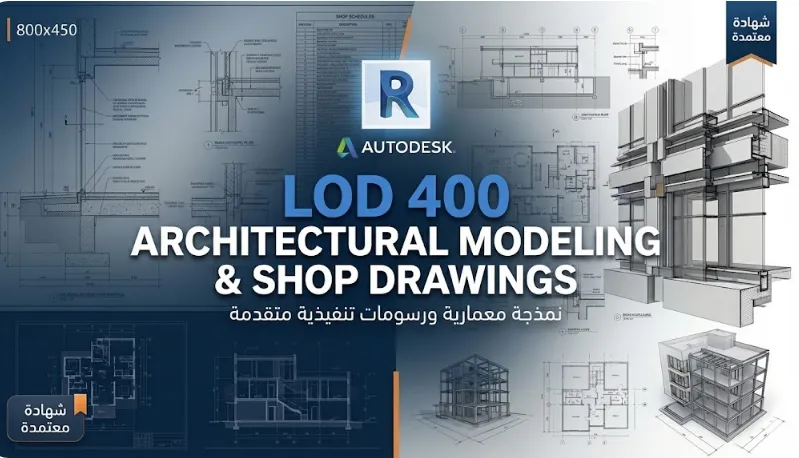
LOD 400 Arch & Str
Master executive diagrams and advanced modeling
8:00 pm
Saudi time
20 training hours (three weeks).
12 lectures
Zoom + Recorder
Live interactive
Graduation project
+ Certificate of completion
Authorized
Training Center
Program Overview
A professional course using Autodesk Revit, taking you from basic modeling to the finest executive details and creating comprehensive paintings.
Curriculum
01
Structural Basics and Concepts (BIM & LOD 400 Mastery)
Mission: Start your professional journey with a comprehensive understanding of BIM principles and the value of integrating architectural and construction project modeling.
Axes: In-depth understanding of BIM and its importance in design, and practical application of the LOD 400 level of detail
02
Advanced detailed modeling
Mission: Learn how to build an accurate and comprehensive BIM model, reaching the level of detail necessary for on-site implementation.
Axes: Detailed modeling of the main components (walls, floors, ceilings, doors, windows), in addition to the reinforcement of structural elements.
03
Technical output and smart tables
Mission: Turn your 3D model into professional executive documents and accurate, intelligent bills of quantities.
Topics: Preparing comprehensive executive panels (projections, sections, facades), using Keynotes and model tables, and extracting tables of quantities with high accuracy.
04
Professional presentation and delivery
Message: Conclude your work by presenting your design in its best visual form, and prepare the files for final delivery.
Axes: Preparing materials, presenting designs in an attractive and professional manner, preparing files for printing and final delivery of the project.
Study Requirements
Study requirements
Hardware: A laptop with good specifications
Software: Availability of Autodesk Revit (version 2022 or later).
Skills: Basic computer knowledge.
Software: Availability of Autodesk Revit (version 2022 or later).
Skills: Basic computer knowledge.
Target Audience
Pricing & Registration
Executive planning expert
250
SAR
800 riyals SAR
🏃♂️ Hurry and register. Seats are filling up quickly!
Total:
With the possibility of paying in two installments
Frequently Asked Questions
Is this program suitable for beginners?
Yes, we have courses that start from the basics and follow step by step.
Do I get a certificate after completion?
Yes, you get an accredited certificate after passing the requirements.
Is there support after training?
There is technical support and professional guidance according to the program.
Pricing & Registration
250 SAR
You can register directly in the training course to secure your seat and receive all the details.